Bulk Importing a List of Hosts
We have an easy to use bulk host import tool, available from the Manage ➡️ Hosts section of the Portal.
Clicking this option will open the bulk import dialog, which will let you select a CSV document with a list of host descriptions (labels), and values (either IP addresses or domains).
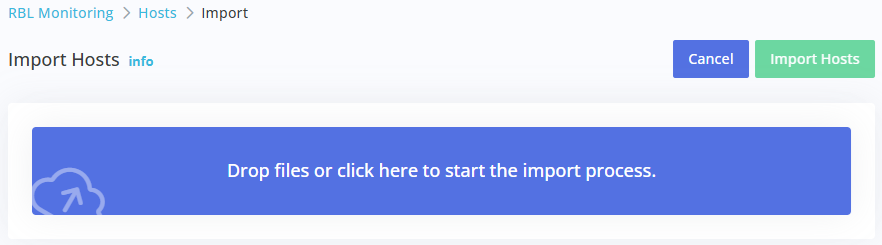
Simply drag-and-drop your list, or click on the main drop area to upload your CSV document. This will process your CSV document, and present you with a list of hosts to import. We will automatically remove duplicates, or mark hosts as invalid if we're not able to parse or identify the values.
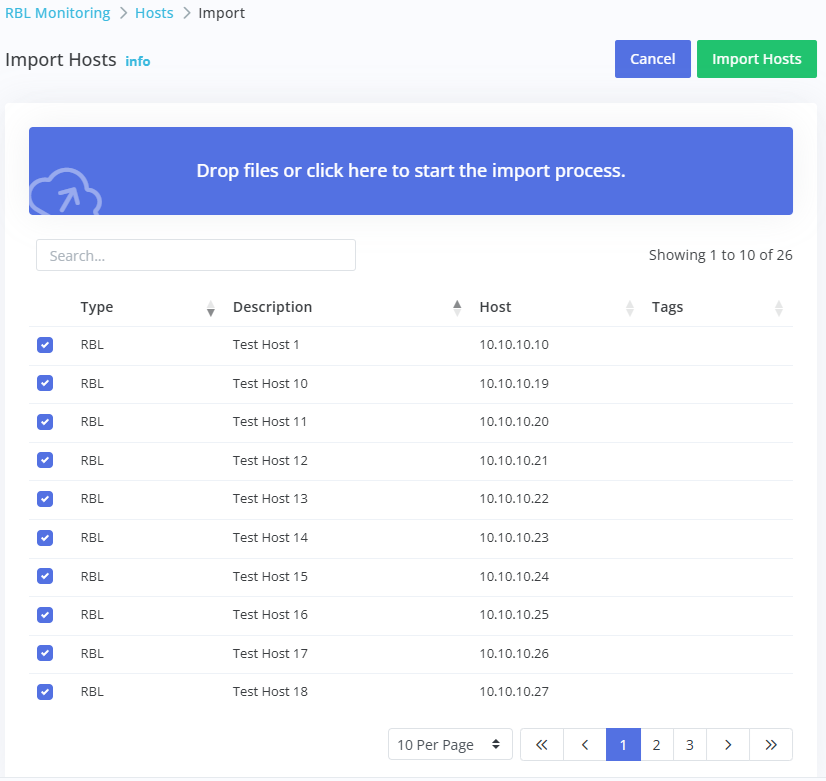
Finally, click Import Hosts to import the listed hosts into your account.
The CSV format required is simple: Description, Host
For example:
Primary Mail Server, 10.10.10.10
Secondary Mail Server, 12.12.12.12
Main Website, example.com