Adding a Contact
You can add an email contact from the Manage ➡️ Contacts section of the Portal.

Select Email Address from the Contact Type drop-down, enter your email address in the Email Address field, select a Frequency, and select one or more Contact Groups to associate with this new email address.
After clicking Add Contact, you'll receive a confirmation message with a confirmation link that you'll need to click on to confirm your address.
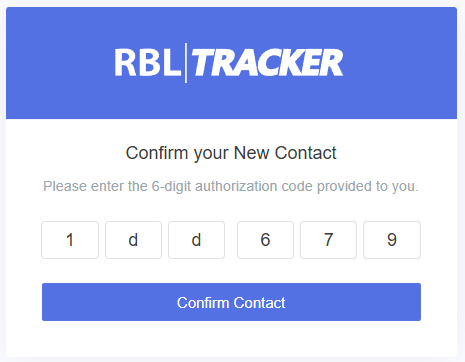
If you don't receive the confirmation message for some reason, you can also click the Resend Auth option to resend the confirmation email. Once a contact is confirmed, it will be ready to use.